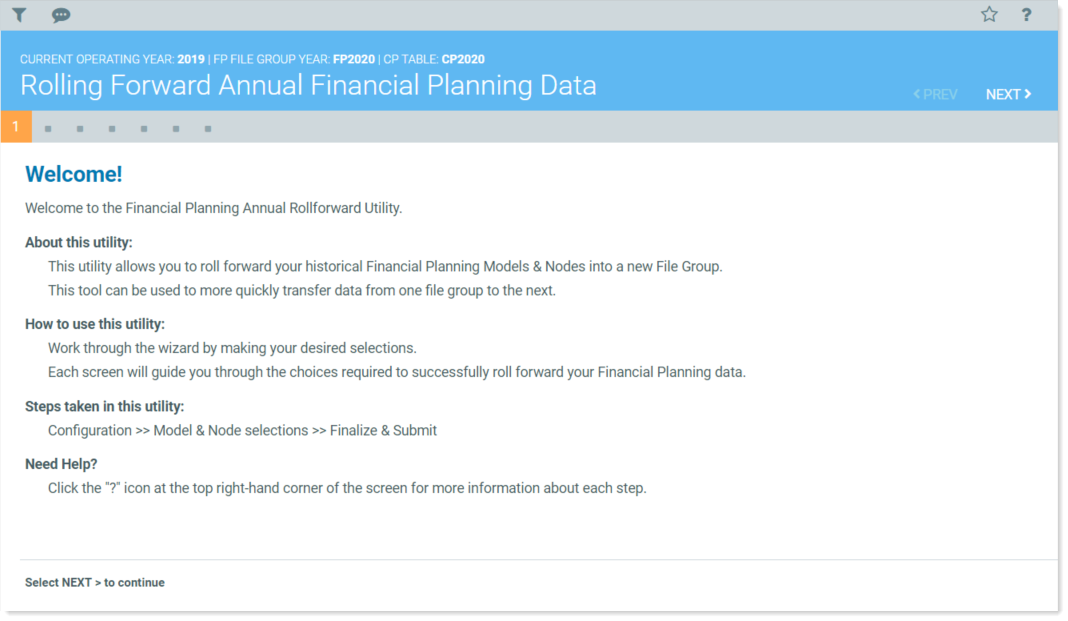
Select and copy data from one file group year to the next.
The utility is a user-friendly wizard that walks step-by-step through the process of pulling data from the Current Year file group and importing it to the Next Year file group.
- Configuration – Select the source file group for your roll forward. To get started, see Select the data and years to roll forward.
- Models and nodes selections – Select which models and nodes to include. See Select models and configure options.
- Finalize and submit – Choose whether to create nodes on submission or to skip node creation and rebuild nodes later. See Review Annual Rollforward Utility final check.
NOTE: Data is automatically saved as you move through the utility. To start over, refresh the utility by pressing the F5 key. Be aware that you will lose all of your previous selections when you refresh.