Budget Labor Benchmark
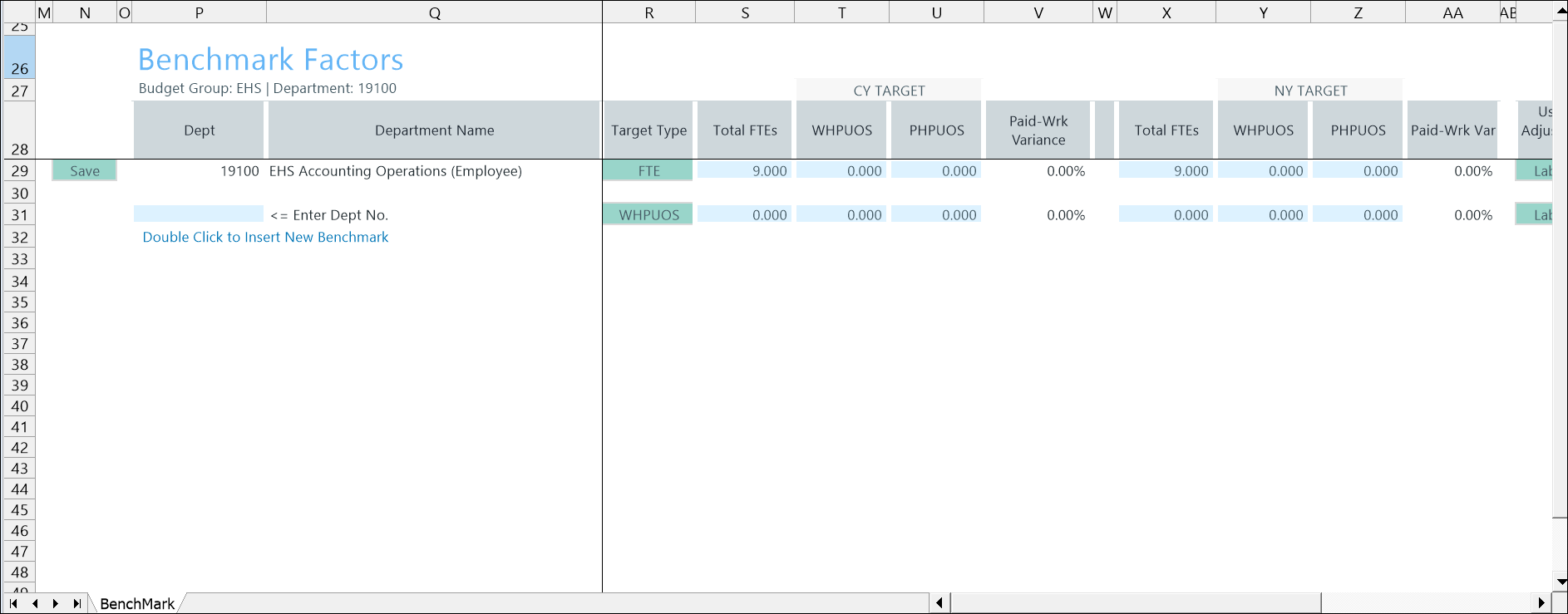
Use the 24 Budget Labor Benchmark (Benchmark Factors) driver to define labor benchmark targets—such as FTEs or Worked Hours per Unit of Service (WHPUOS)—for one or more departments. These targets help organizations plan staffing levels based on workload and productivity rather than historical costs alone.
You can define a target for the current year (CY Target) and the next year (NY Target). Use the Target Type column to select the appropriate benchmark measure for each department.
Configure settings
- Go to Admin > Admin Task Panes > Budget Admin > Budget Assumptions and double click the desired driver set:
- Access NY Budget Assumptions (next year's budget drivers)
- Access CY Budget Assumptions (current year's budget drivers)
Choose the refresh variables.
NOTE: Refresh variable selection depends on the driver's requirements. Some variables may not display, and not all drivers include refresh variable options.
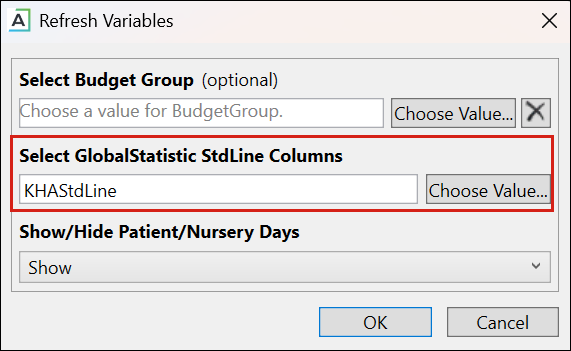
TIP: When refresh variables require a standard line, you must select at least one. If none are selected, the OK button is disabled.
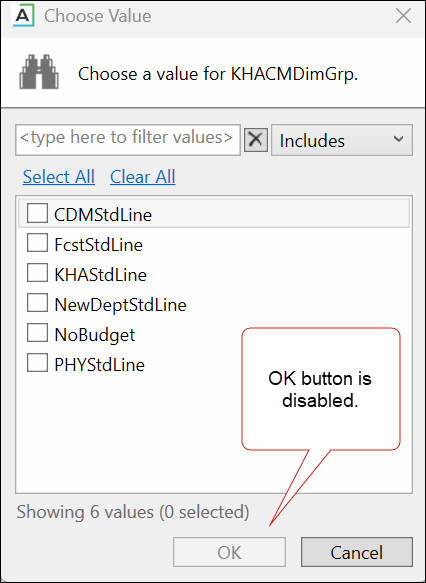
KHAStdLine is the default for the following drivers: 7-10 Budget Global Data, 05 Global Depreciation, 11 Global Expense Budget, and 12 Budget Revenue Global Revenue.
Department selection appears for the following drivers: 03 Budget Statistics, 05 Budget Depreciation, 11 Global Expense Budget, 12 Global Revenue Budget, 14 Budget Labor Rates, 20 Budget Global Sum, 23 Budget Global Labor Premium Dollars, 24 Budget Labor Benchmark, 28 Budget Labor Target, 36 Budget Provider Simple Dept Config, 42 Bugdet Stat Account.
-
To save any changes, right click the driver tab and select Save > Save Data Only.
Budget Labor Benchmark configuration includes the following tasks:
