Add new budget group block
Budget group blocks display in alphabetical order. Each block is expandable or collapsible by clicking the caret icon >.
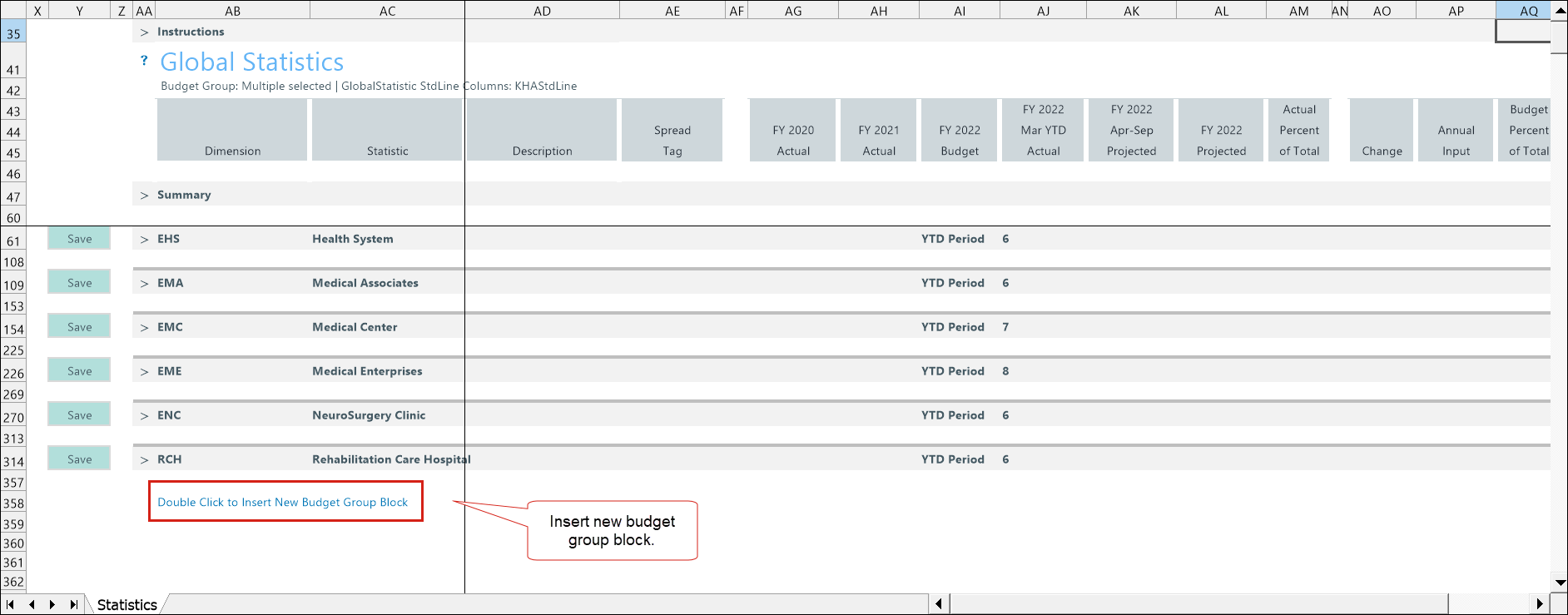
-
Double click Double Click to Insert New Budget Group Block.
-
Select a budget group.
-
Double click the caret icon > to auto-populate any historical data.
-
Adjust Worked Days.
-
Adjust current year projected remaining volumes (column AK) and next year budget by adding a percentage (column AO) or amount (column AP).
-
To save, right click on the Budget Statistic tab and select Save > Save Data Only.
TIP: An alert appears in the driver section when the GlobalStatistic calculation method is not assigned in the ACCT dimension.
Budget Statistics configuration includes the following tasks:
