View General Ledger transaction details
You can view General Ledger (GL) details from the Expense tab..
To enable this feature, open the Budget Configuration driver and set Expense Transaction Drilling, On or Off ? to Yes .
This setting applies to all plan files and is not specific to a budget group.

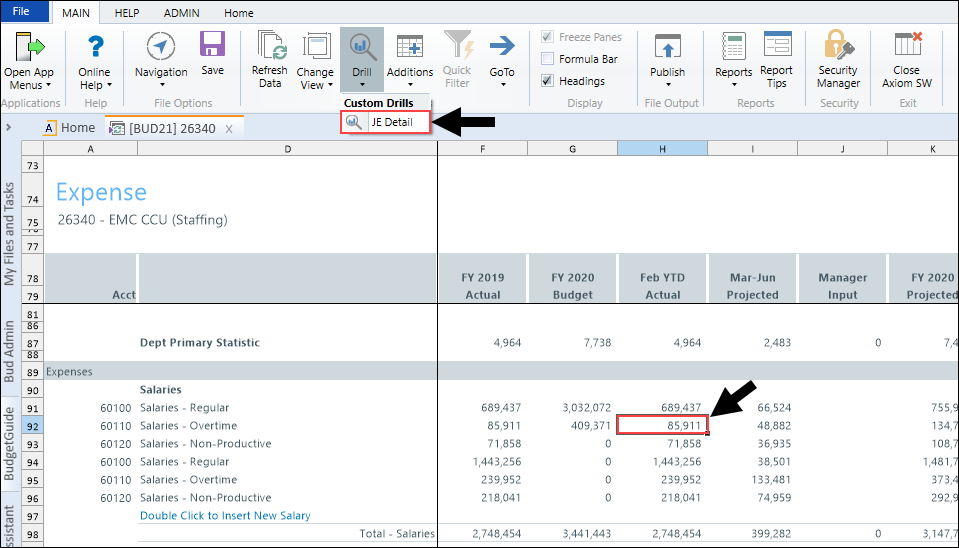
From the Expense tab, select an account, and drill on it from the year-to-date column. Use one of the following methods to drill on the account:
- On the Main ribbon tab, select Drill > JE Detail.
- From value on the Expense tab, right-click the year-to-date value, and select Drill > JE Drill.
- Double-click the selected row.
To close the drill to detail report, double-click Return to Report or close the drill report tab.
