Step 1: Open the utility
-
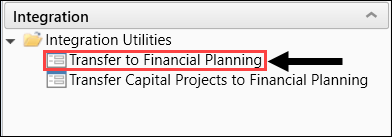
Under the Integration section of the Fin Plan Admin task pane, expand Integration Utilities.
-
Double-click Transfer to Financial Planning.
-
Review the instructions on the Welcome page.
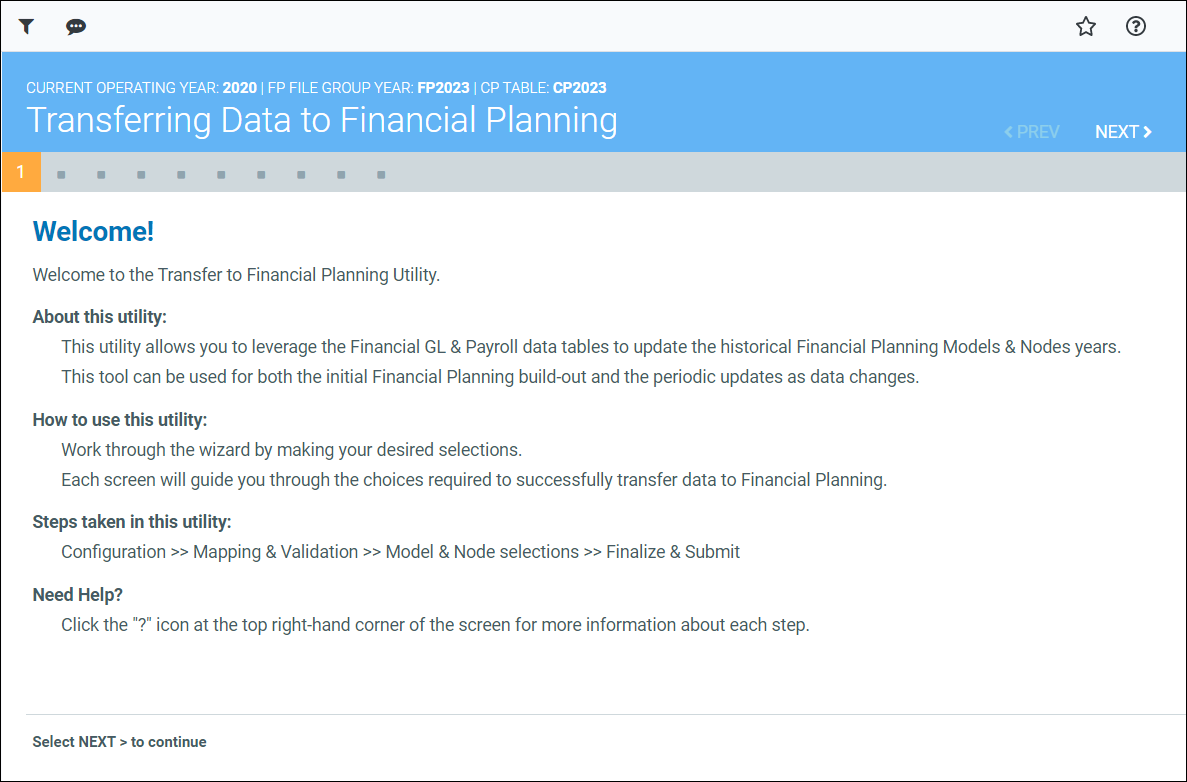
NOTE: The Filters panel opens with the utility but you can close it until needed.
Continue to Step 2: Select data years and sources.
